New Field Notes Setup
May is just around the corner and my current Field Notes is nearly full, so I decided to go ahead and set up my next pocket companion this morning after I finished my journaling practice. I have had a few people ask me in the past how I use and/or set up my pocket notebooks, so I thought I’d create a short post sharing my initial setup.
While I like to add some structure to my Field Notes, I also allow lots of freedom for whatever each day brings. Thus, the images and description below only represent the starting point and not the end result - which tends to be much more chaotic than structured.
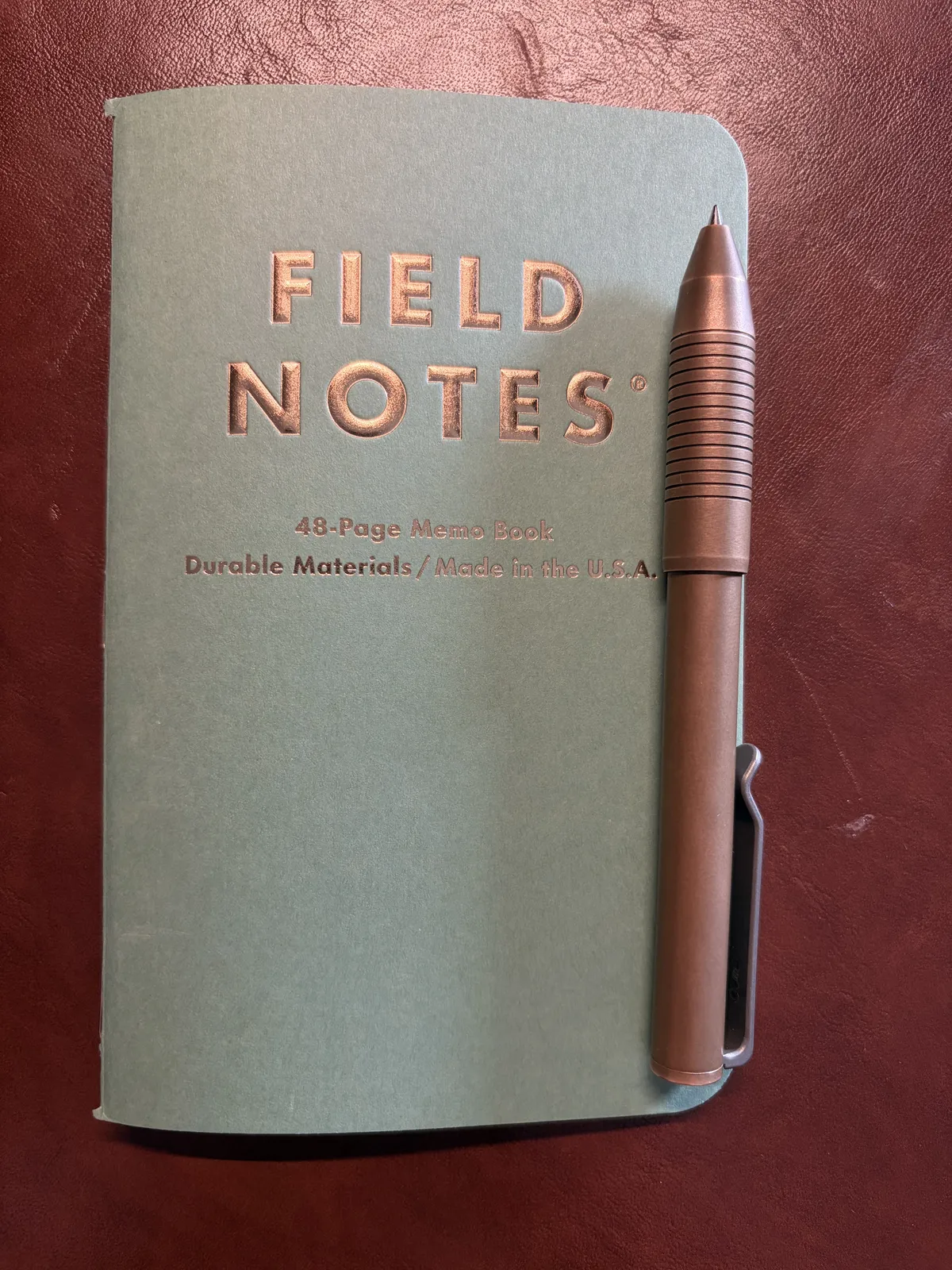
First, the Field Notes I chose is the newest quarterly edition honoring the U.S. penny, in light of it no longer being minted. They’ve called this drop “Lucky.”
Step 1 - Monthly Habit Tracker
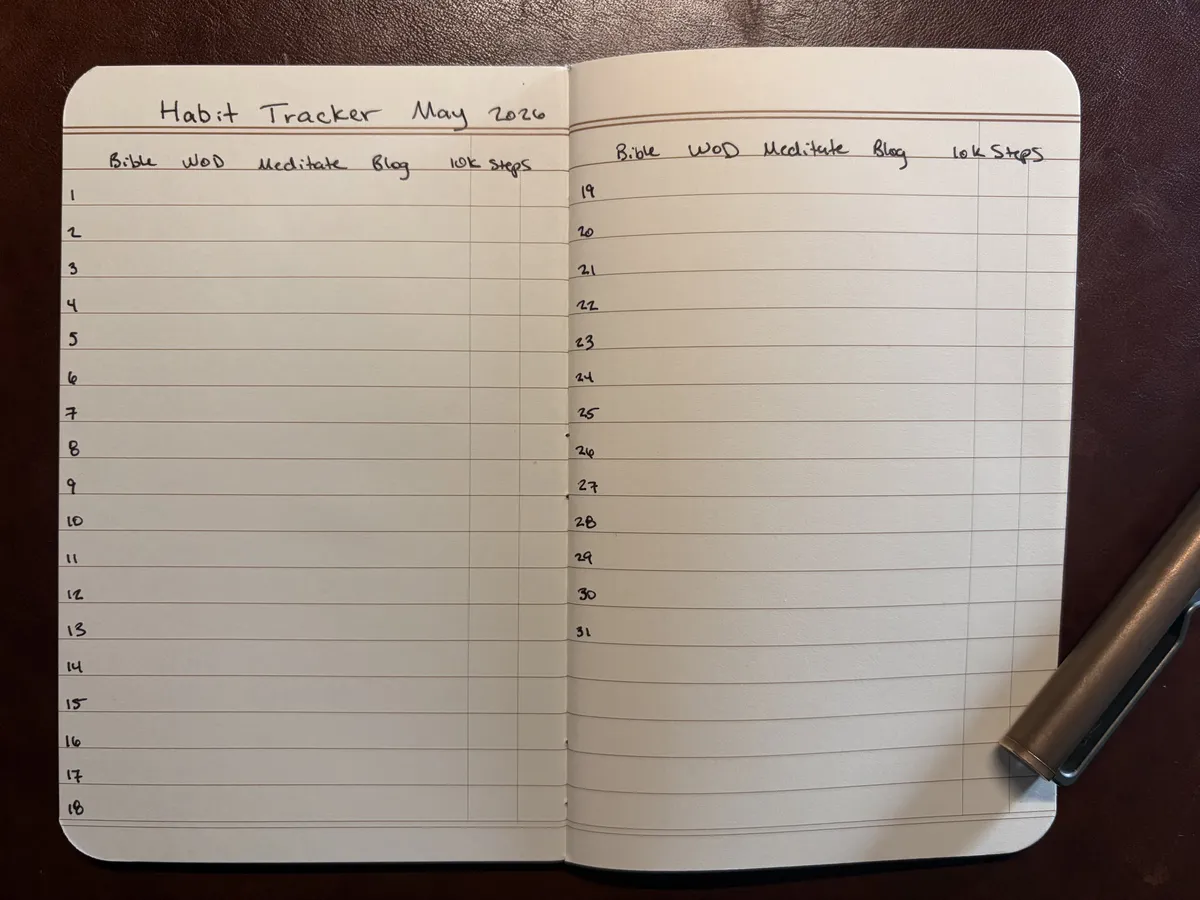
I like to track habits I’m trying to develop or maintain each month. I tend to stick to five habits at a time, though on occasion I’ll push it to six or so. In the past I’ve developed command line tools to help me do this, as well as a plugin for a really cool developer note taking app called Inkdrop and a Notion spread with really cool charts and progress bar visuals - but at the end of the day, I found that I like the simplicity and tactile nature of tracking them with analog tools. I always have my pocket notebook on me. That’s not the case for my laptop.
Step 2 - Fitness Tracker
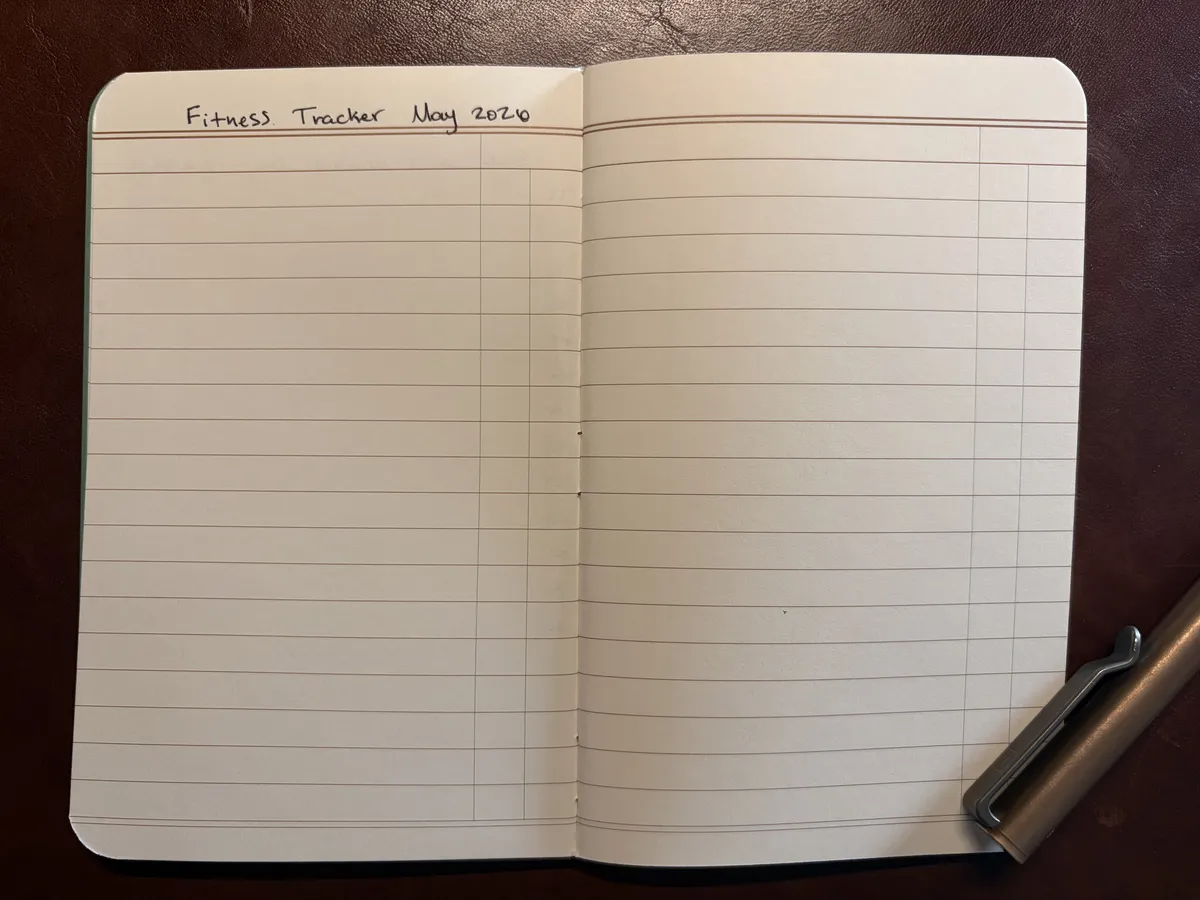
For my fitness tracking, I like to keep high level notes of what workout I did each day, so I can compare progress next time I repeat it. This spread is always the most empty to begin with, as I keep these notes free form and try to keep one line per day as much as possible. For example, today’s entry in my current notebook was 2.5 mile run, 28 minutes.
Step 3 - Meditation Tracker
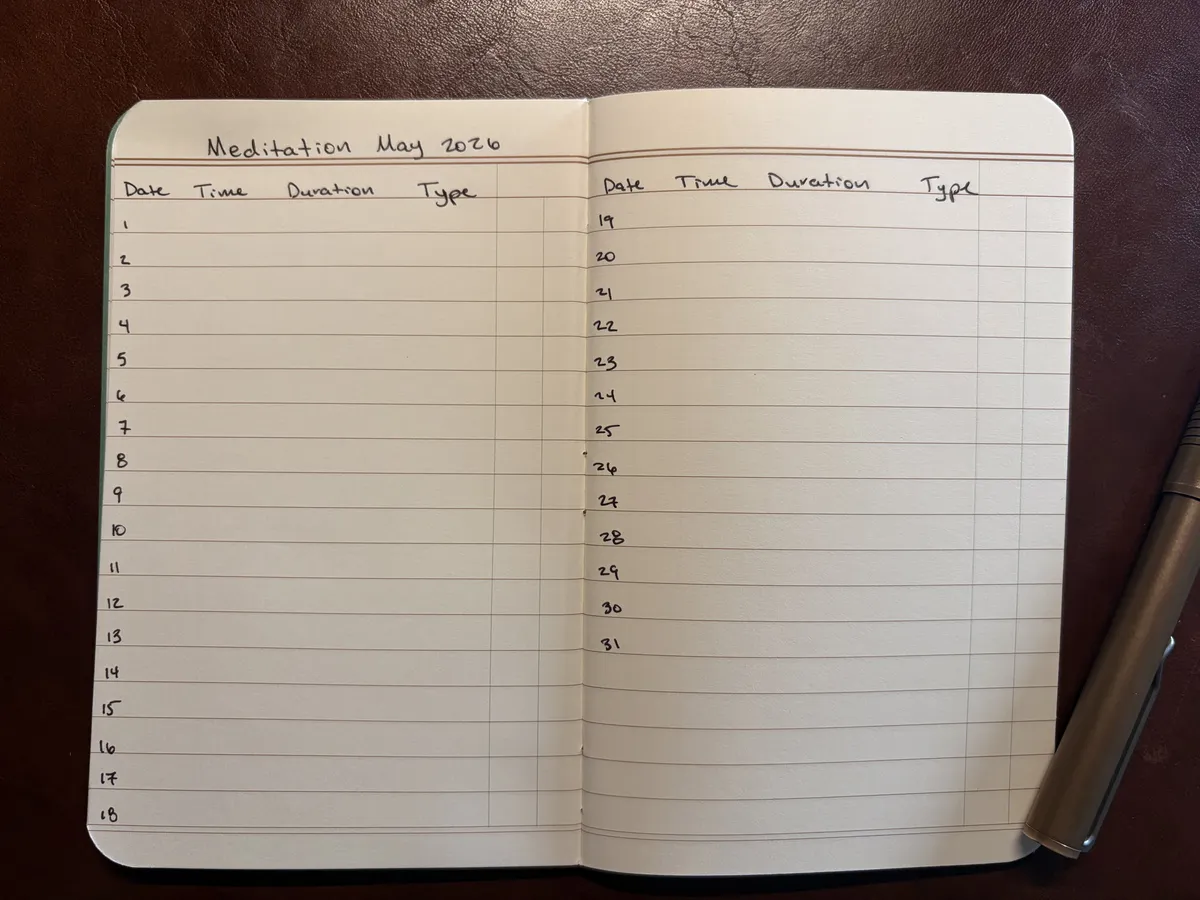
As you may have noticed by this point, I like to keep these trackers minimal. I’m really working on building a daily meditation practice right now. I’ve practiced mindful meditation on and off for going on seven years, but I have never been consistent on a daily level for longer than a few weeks. April has been my first month of successfully keeping up daily in a long while.
For this tracker, I simply want to note the time I meditated, the duration of the meditation, and what type of meditation. The timing is mostly to see if there are any patterns that emerge during the month. The type, however, is to see if I can detect any trends in specific meditation sessions leading to a greater sense of calm or not.
Step 4 - Meal Tracker
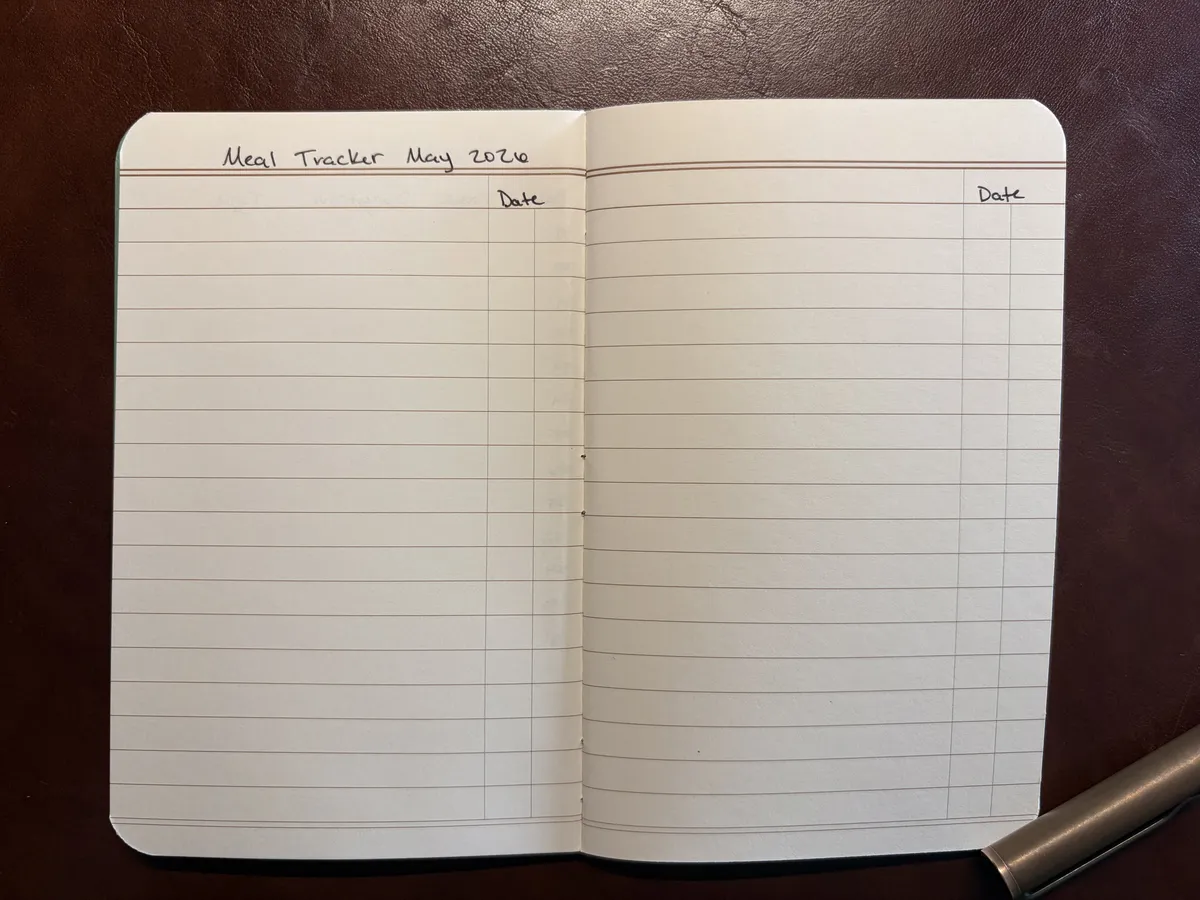
This one is pretty self-explanatory, but I keep track of what I eat for dinner each night. For context, I eat nearly the same meals daily for breakfast (when I’m not practicing time-restricted eating) and lunch, but dinner changes daily. I started tracking this as a way to know when leftovers were to expire, but have kept it up for a while now and it helps me with meal planning and calorie tracking.
Step 5 - Other Lists
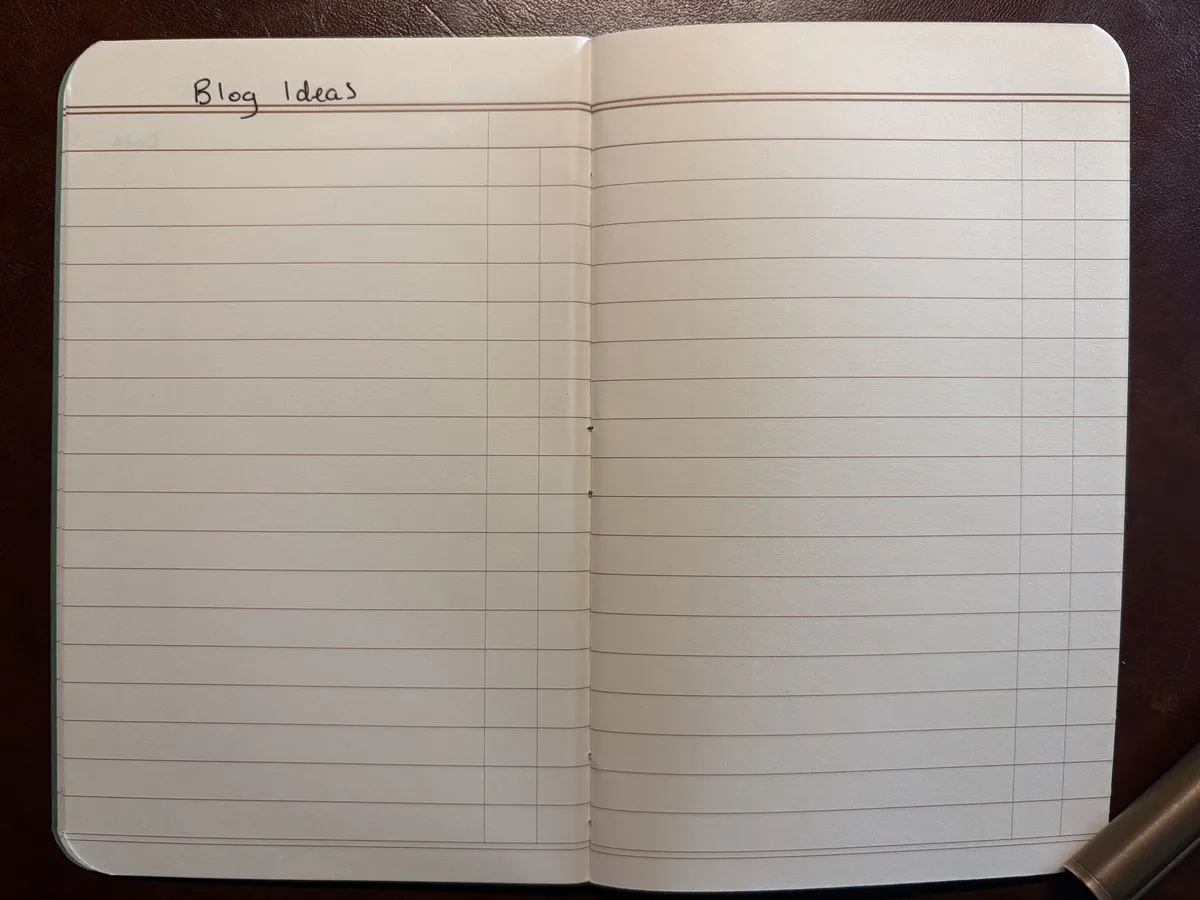
I like to keep a running list of blog post and other creative writing ideas.
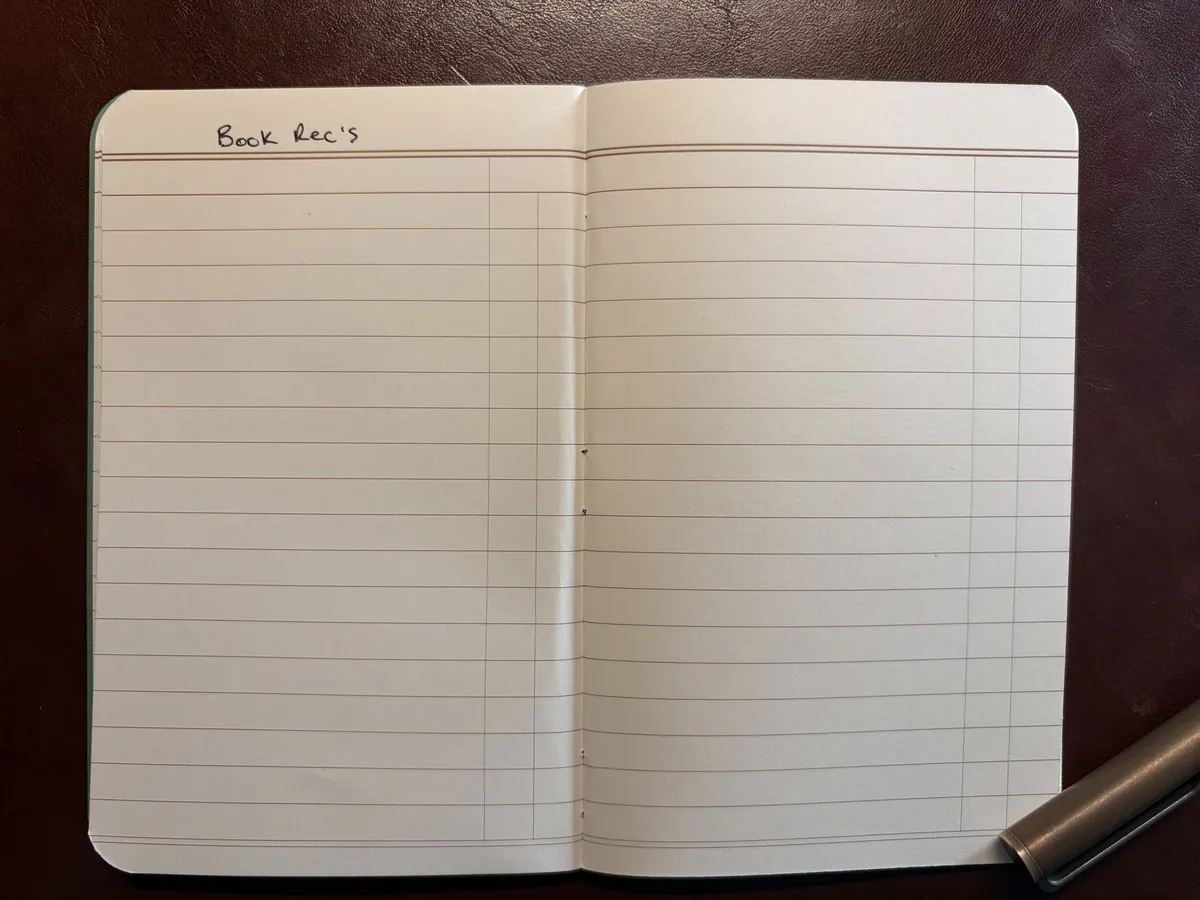
And a list of books people share personally or that I find on podcasts or YouTube videos I am consuming during the month.
Final Step - Tomo’s Advice
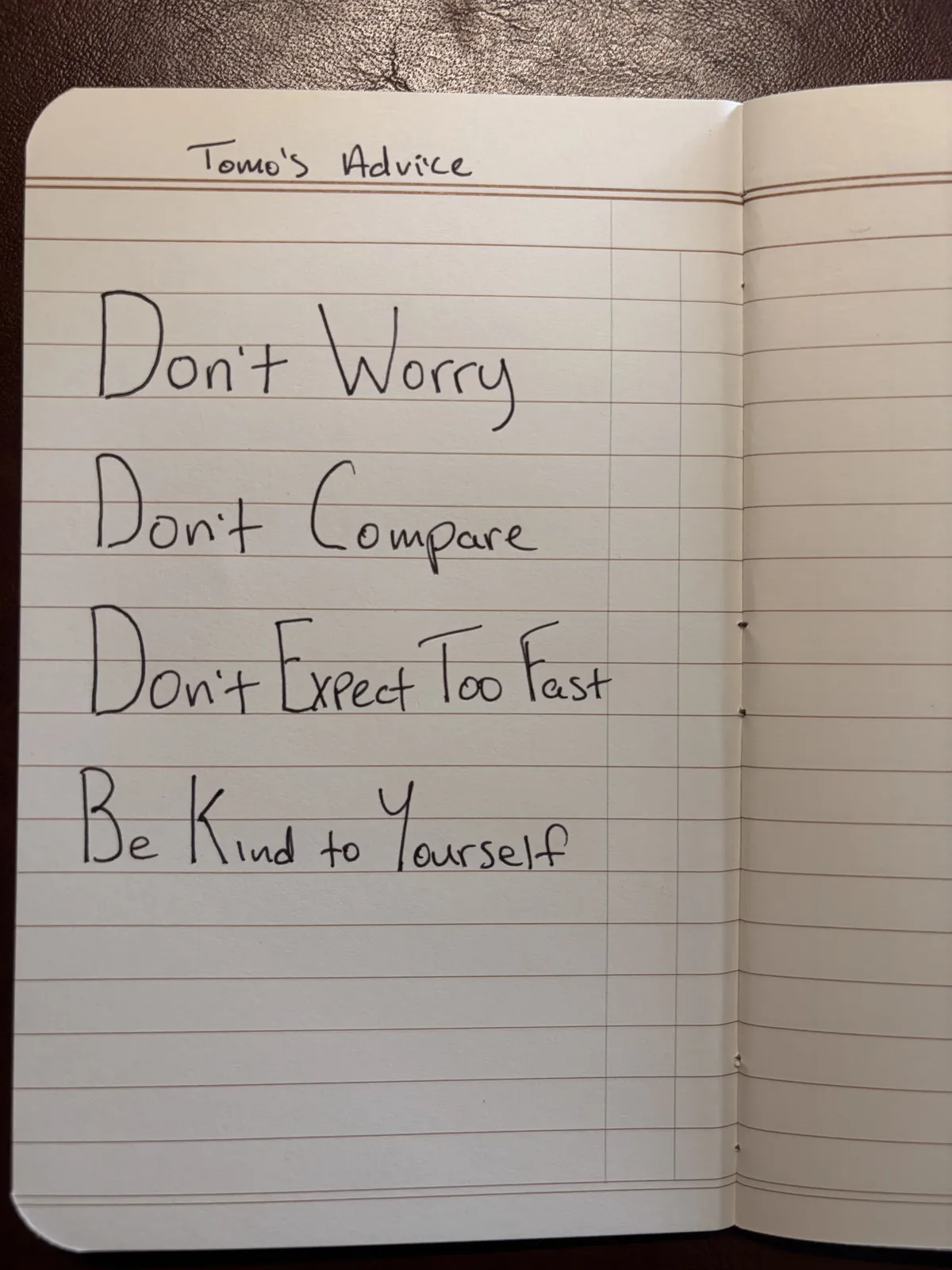
An amazing guitar player and teacher at Berkley School of Music, Tomo has an excellent YouTube channel and website called Guitar Wisdom. He gives this advice all the time and it has made a big difference in my life, so I add it to every Field Notes.
That’s it! I plan to begin carrying this one on May 1st and will use it until I fill it all the way up, which tends to be about a month or two on average. The pages after Tomo’s Advice will be used for whatever is needed in the moment. Grocery lists, story ideas, random quotes from content I’m consuming, book review thoughts, prayers, Bible verses I want to memorize, etc. The new and crisp notebook will eventually age and patina as it gets carried in my back pocket every single day and handled multiple times a day as I review the contents and add to it - which will make it even more beautiful than how it started.
I’d love to hear how others use a pocket notebook - or how you set up any new notebook for that matter! Feel free to leave me a note on my Guestbook or send me an email.